

Raypodo Tablet: Employee training kiosks for Onboarding
1 Comprehensive Tools for Staff Development
Employee training kiosks are a cornerstone of effective staff development, and Raypodo Tablet creates a self-paced, engaging learning environment for employees at all levels. This black tablet combines intuitive training software with durable hardware, suitable for high-traffic employee areas. Paired with Employee onboarding kiosks and Employee benefits displays, it streamlines training, onboarding, and benefits education—reducing administrative burden and boosting retention.
We recommend the 10.1 inch and 18.5 inch Raypodo Tablets for employee training. The 10.1 inch model is portable, ideal for new hires to use during onboarding—equipped with RK3566 chip (2GB RAM, 32GB ROM, Android 11), it runs onboarding modules (e.g., company policies, safety training) smoothly. The 18.5 inch model supports PoE, perfect for wall-mounting in break rooms as permanent Employee training kiosks. Powered by RK3576 chip (4GB RAM, 64GB ROM, Android 14), it handles interactive courses, videos, and assessments with ease.

Employee training kiosks
2 Streamlined Onboarding Experience
Raypodo Tablet’s Employee onboarding kiosks simplify the new hire process. New employees can sign in with a unique ID to access a personalized onboarding path: day 1 covers company culture and safety, day 2 focuses on job-specific skills, and day 3 includes role-playing exercises via the tablet’s touchscreen. The 10.1 inch portable model lets hires complete training anywhere—on the sales floor, in the warehouse, or at their desk—reducing time spent in crowded training rooms.
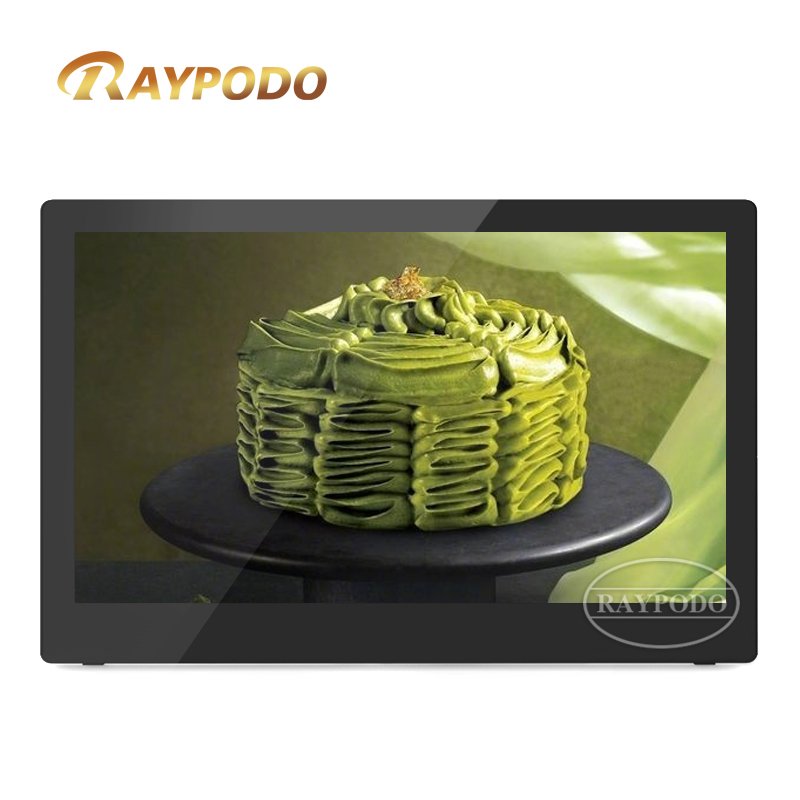
Employee training kiosks
Assessments are built into the onboarding modules: after watching a safety video, new hires take a quick quiz on the tablet. Scores are sent directly to HR, who can track progress in real-time. A retail chain reduced onboarding time by 40% using this system, as new hires no longer waited for scheduled group training sessions. 90% of new employees reported feeling more prepared for their roles compared to traditional onboarding.
3 Benefits Education & Continuous Learning
The 18.5 inch Employee training kiosks double as Employee benefits displays, making complex benefits information accessible. Employees can browse health insurance plans, retirement options, and wellness programs via interactive infographics. The tablet lets them compare plans side-by-side and calculate potential costs, empowering informed decisions. During open enrollment, HR can push updates to all kiosks, ensuring employees have the latest information.
For continuous learning, the kiosks offer ongoing training courses—e.g., customer service updates, new product knowledge. Employees can earn badges for completing courses, displayed on a leaderboard to boost motivation. A logistics company used this feature to train 200+ warehouse staff on new inventory software, with a 95% completion rate and a 20% improvement in software proficiency within a month.


Leave a Reply
You must be logged in to post a comment.